SE Mission Control
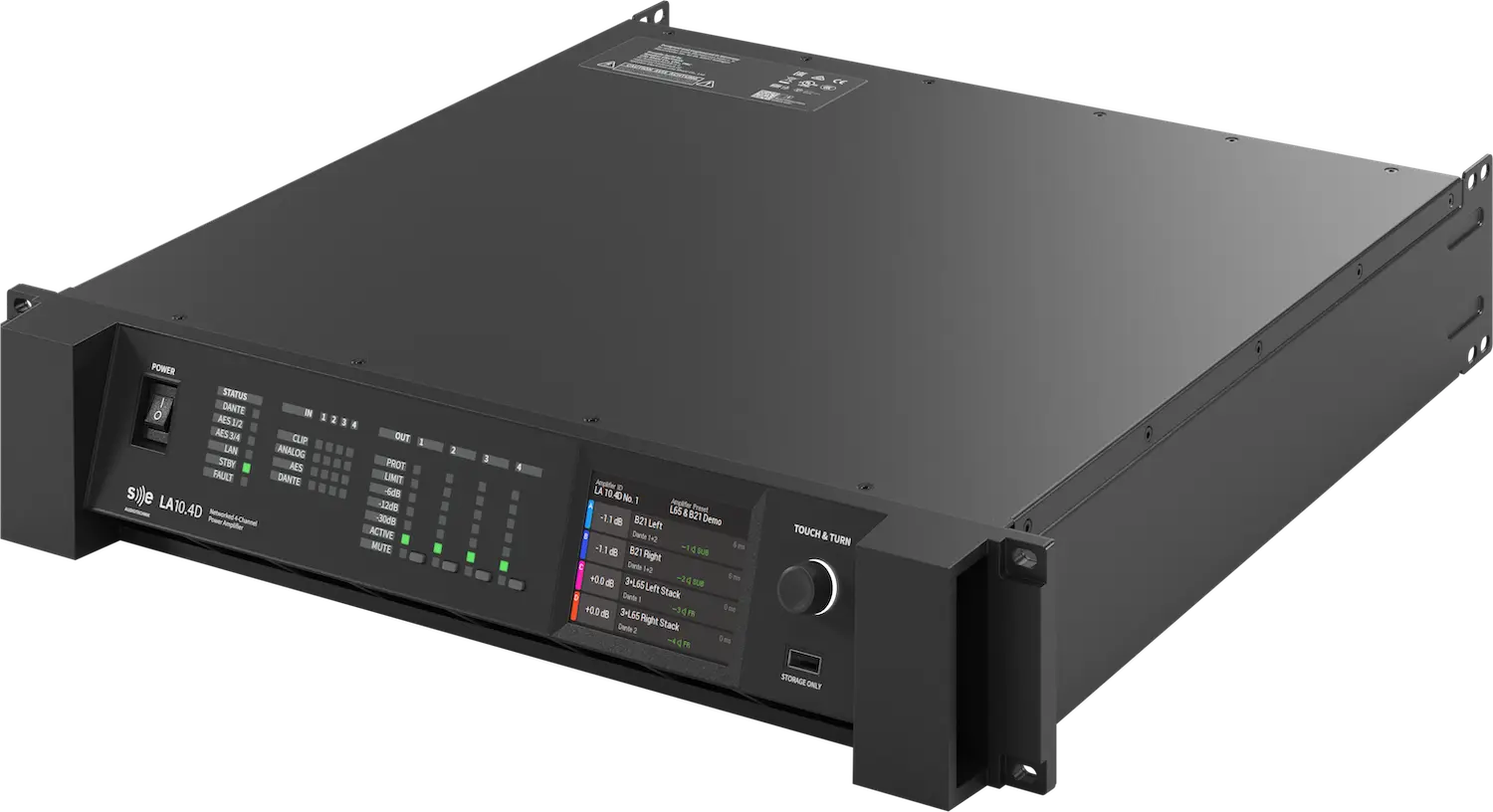
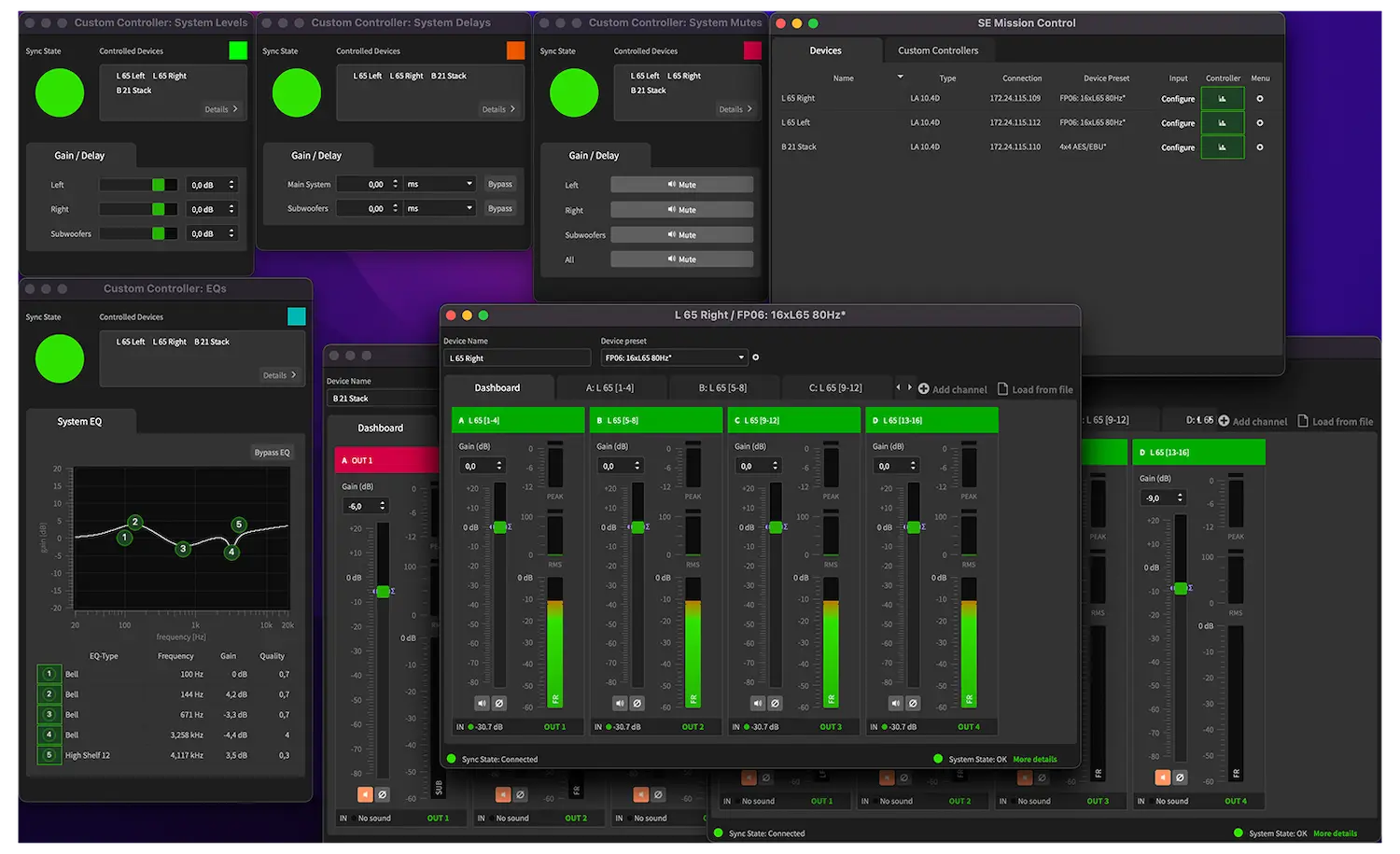
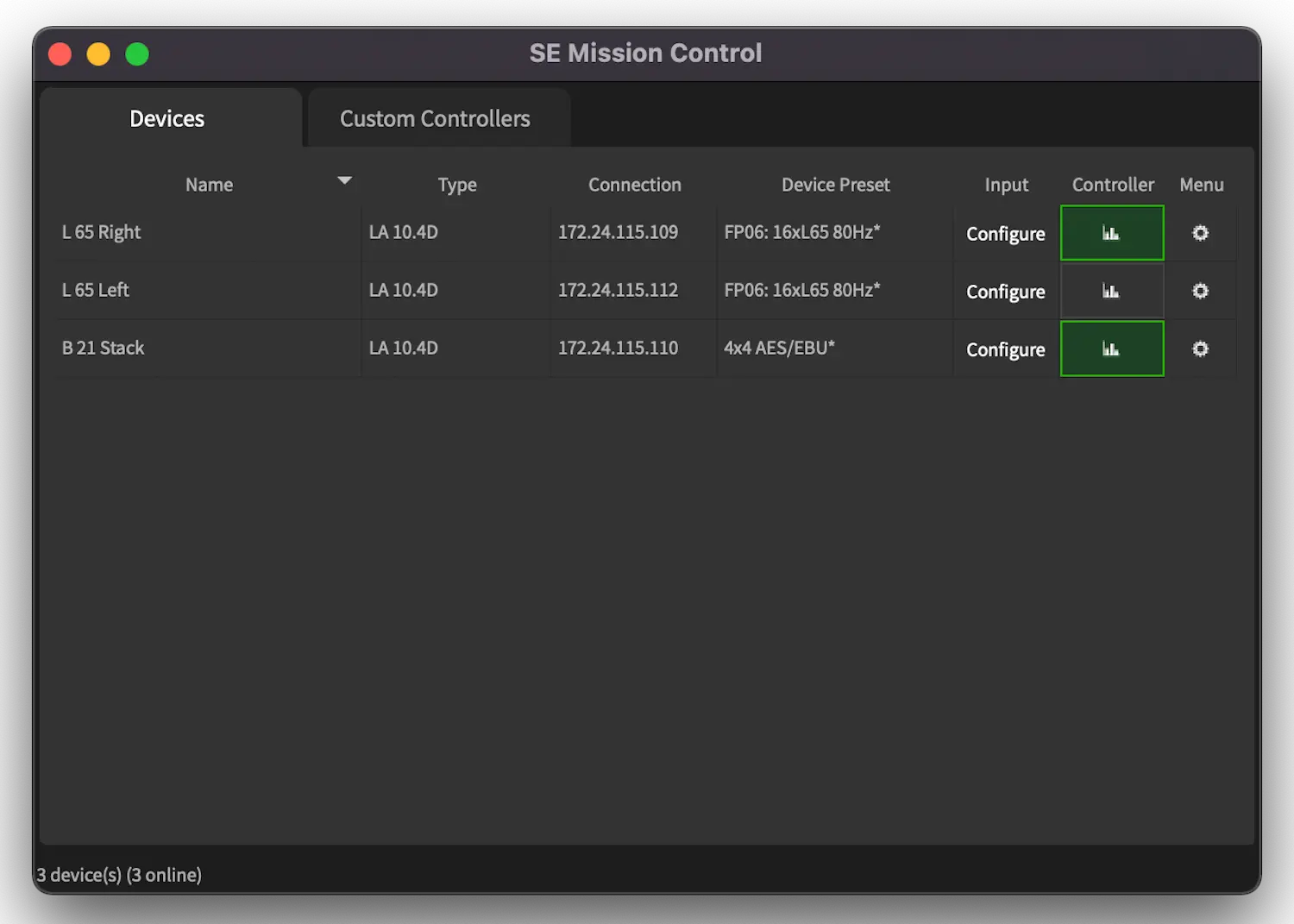
SE Mission Control is the convenient and advanced command centre for the audio and system settings of SE AUDIOTECHNIK amplifier and loudspeaker systems. The software provides full system access for control and monitoring—easily operated via a standard network. SE Mission Control is the ideal tool for both installation and on-the-road applications.
- Enables full utilisation of the performance and capabilities of SE system solutions.
- Full system and channel access
- Simple channel grouping and system setup with the help of the System Mission Assistant
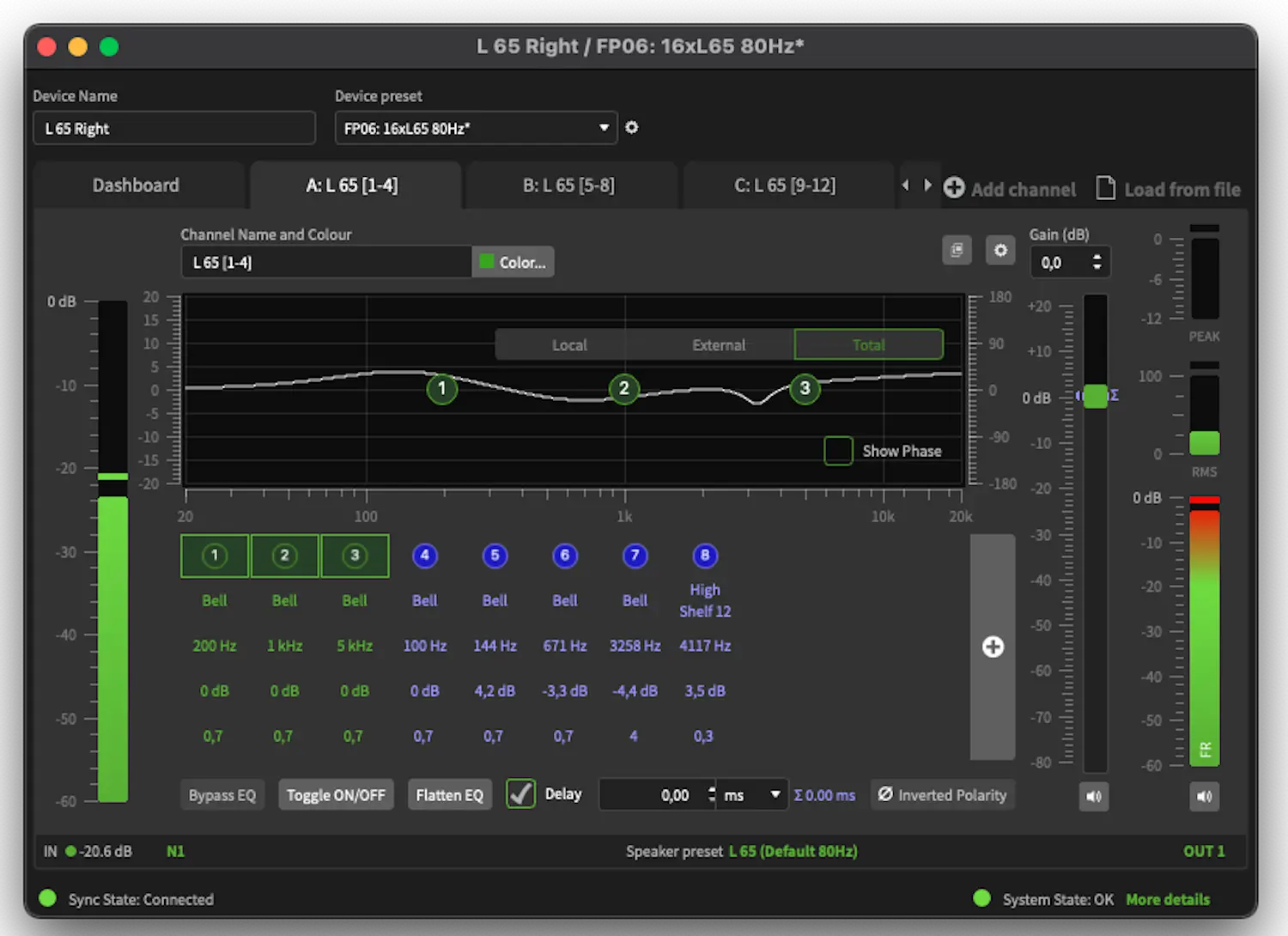
- Control of level, delay, EQ, and many other parameters and functions
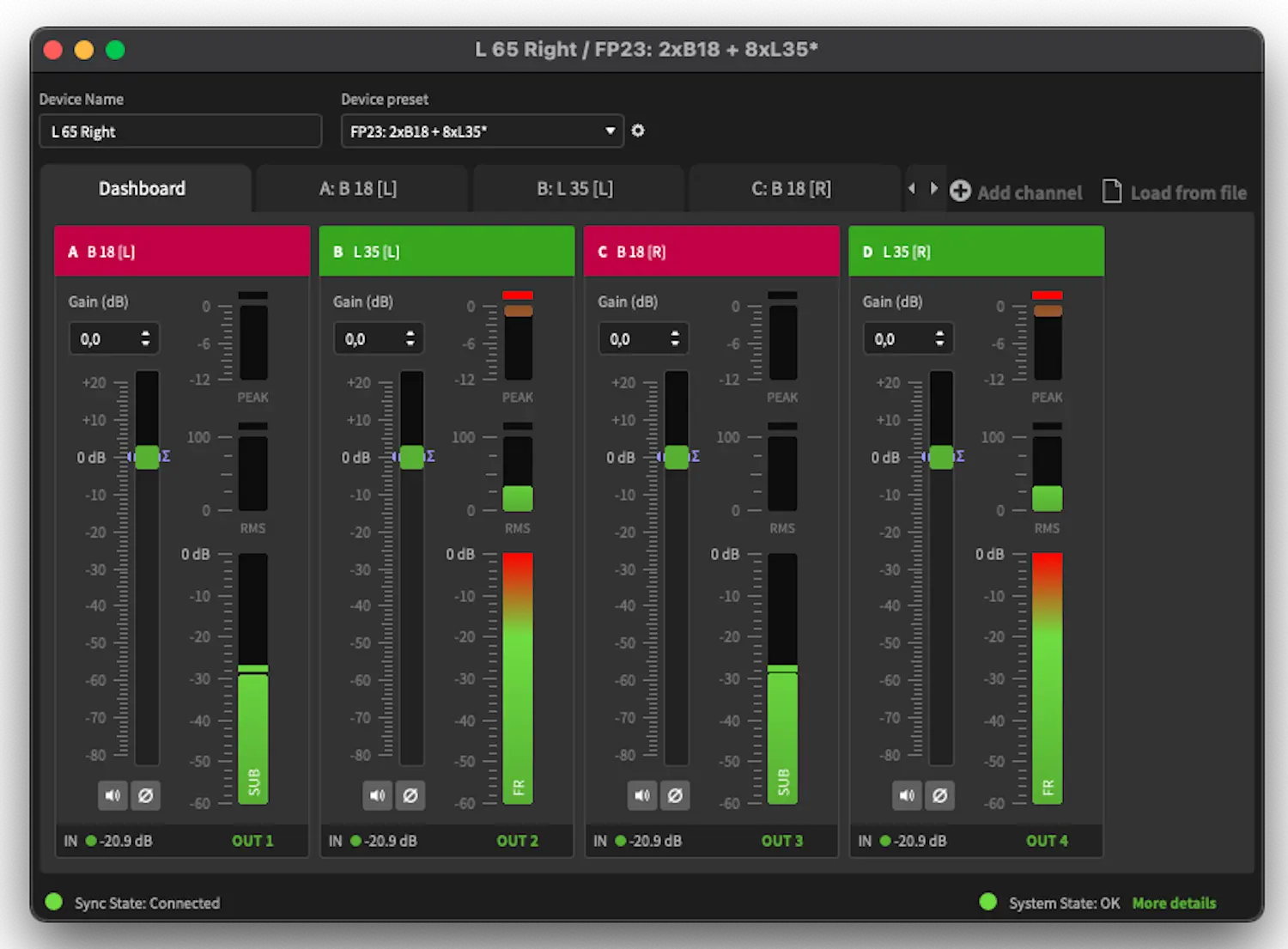
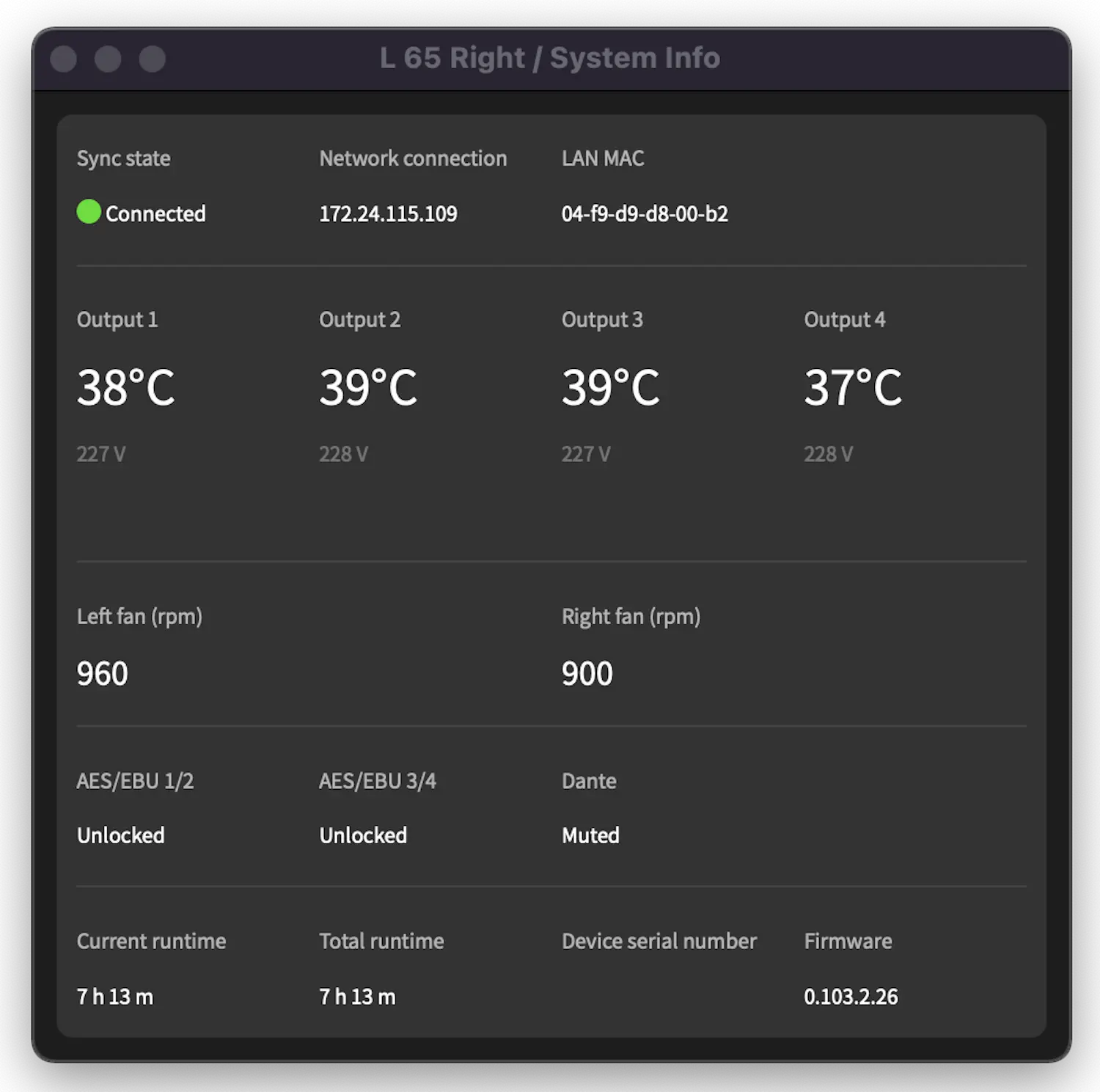
- Comprehensive system monitoring for a clear overview

SE AUDIOTECHNIK systems can be adjusted for tonal balance and a consistent level across all loudspeakers and subwoofers. Individual channels and groups of loudspeakers and subwoofers can be time-aligned. With SE Mission Control, input and output levels as well as the temperature of all system amplifiers can be clearly monitored.
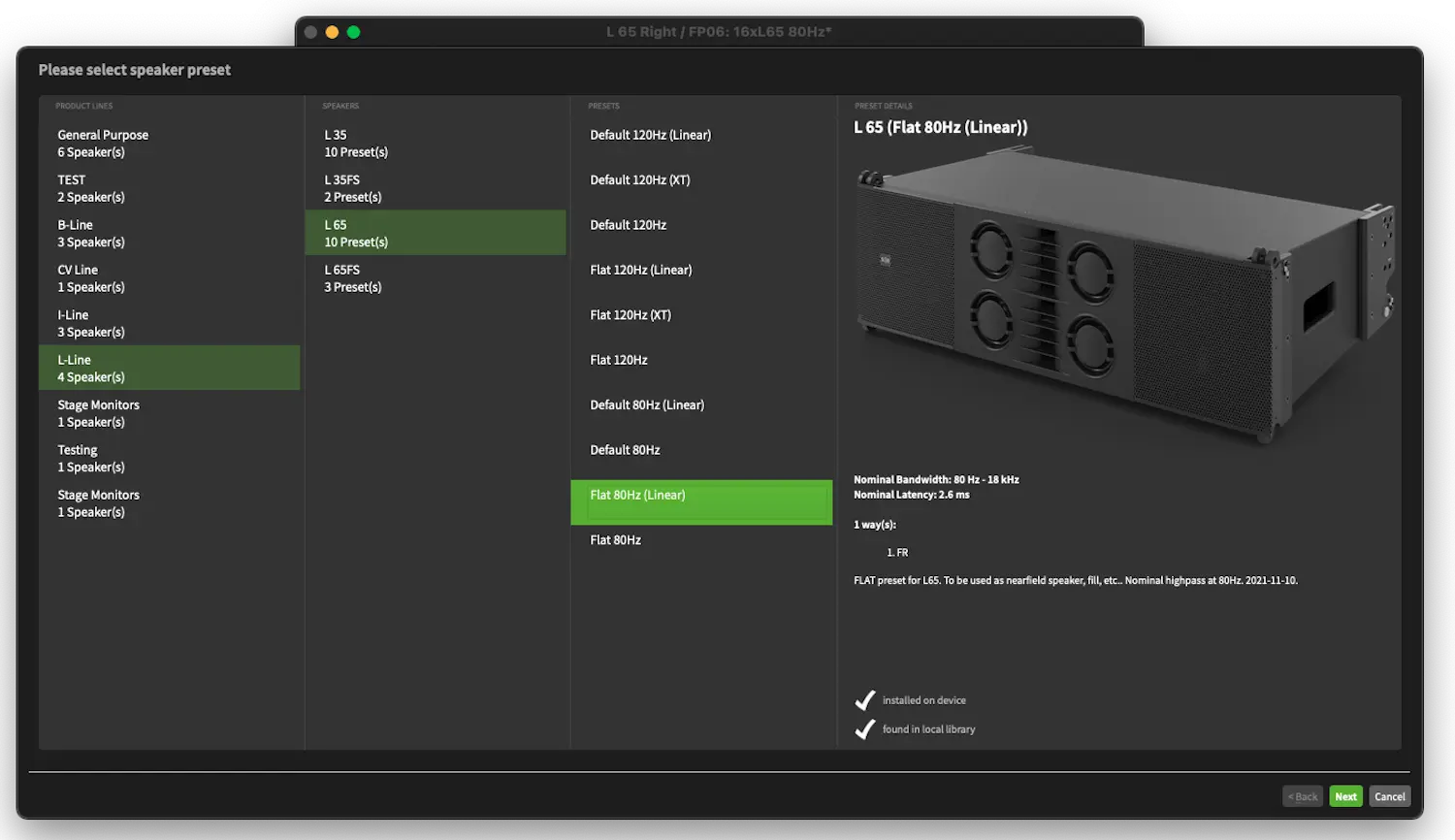
Thanks to comprehensive presets, setup is completed in no time. The system assistant enables quick selection of loudspeaker types, inputs, outputs, and many other options. The presets are designed to put the system into a kind of auto mode, supporting a wide range of application scenarios. The system is prepared for line array elements and loudspeaker combinations such as 4x L 35, 4x L 65, or 2x B 18 and 2x SMX monitors—and many more.
It is recommended to run SE Mission Control on computers with Windows 10 (or newer) or Mac OS 10.12 (or newer) with at least 4 GB RAM. The more RAM available and the newer the operating system, the better the expected performance. At least 200 MB of free hard disk space is required for installation and operation. It is strongly recommended to use a dedicated network setup for remote control of SE AUDIOTECHNIK DSP amplifiers and loudspeaker systems.
Related products and accessories